
Enrollment Management
Enrollment history, quick student onboarding, bulk enrollments, and unenrollment workflows
Enrollment Management
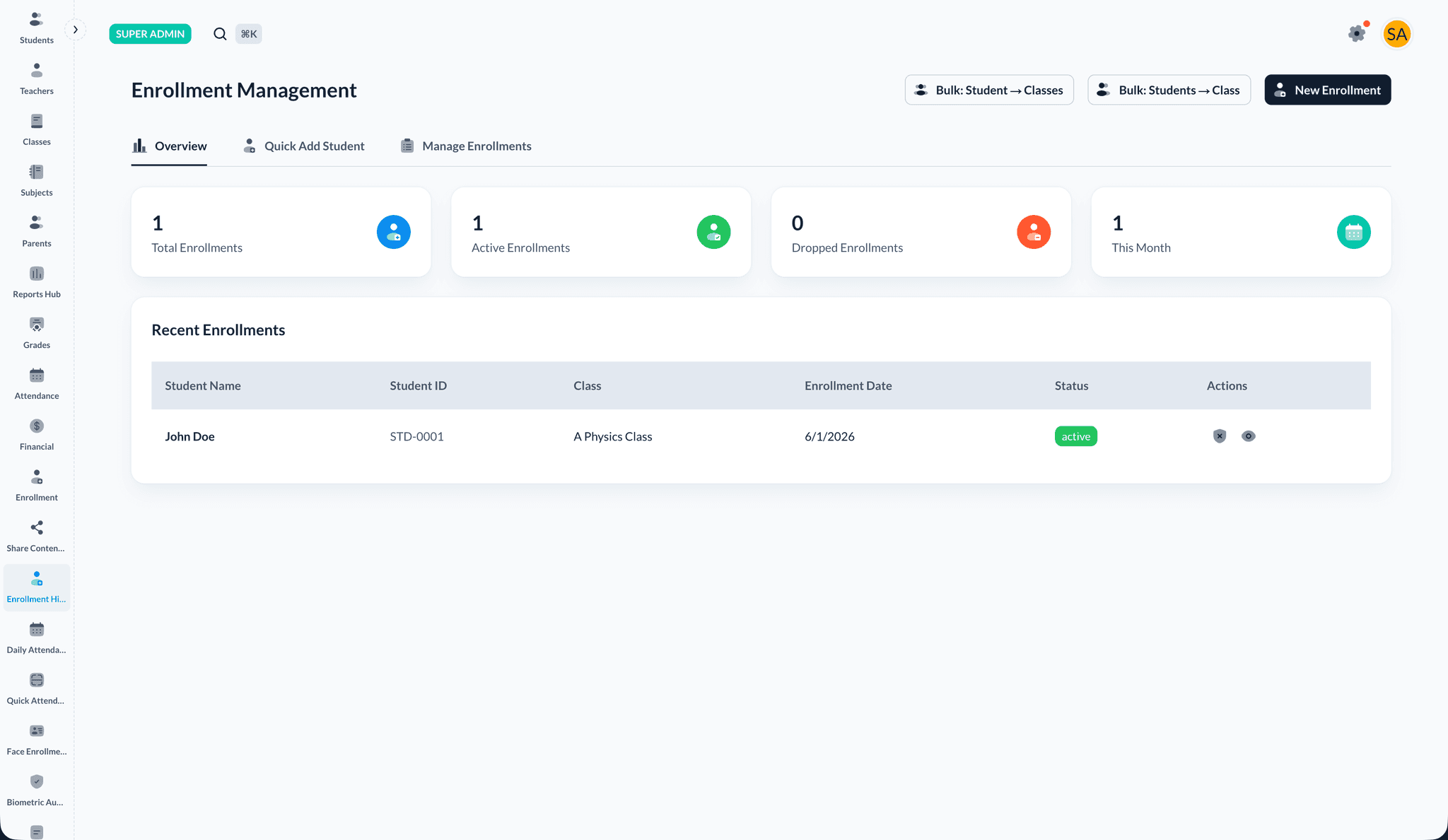
Enrollment History (under Enrollment Management in the sidebar) is the hub for seeing who is enrolled in which classes, onboarding new students with parents, running bulk enrollments, and managing drops or removals.
Access
- Sign in as an administrator.
- In the sidebar, open Enrollment Management.
- Select Enrollment History (
/dashboard/enrollment-management).
Overview tab
The Overview tab summarizes enrollment activity:
- Total enrollments and how many are active or dropped
- Enrollments created in the current month
- A paginated list of recent enrollment records for quick scanning
Quick Add Student tab
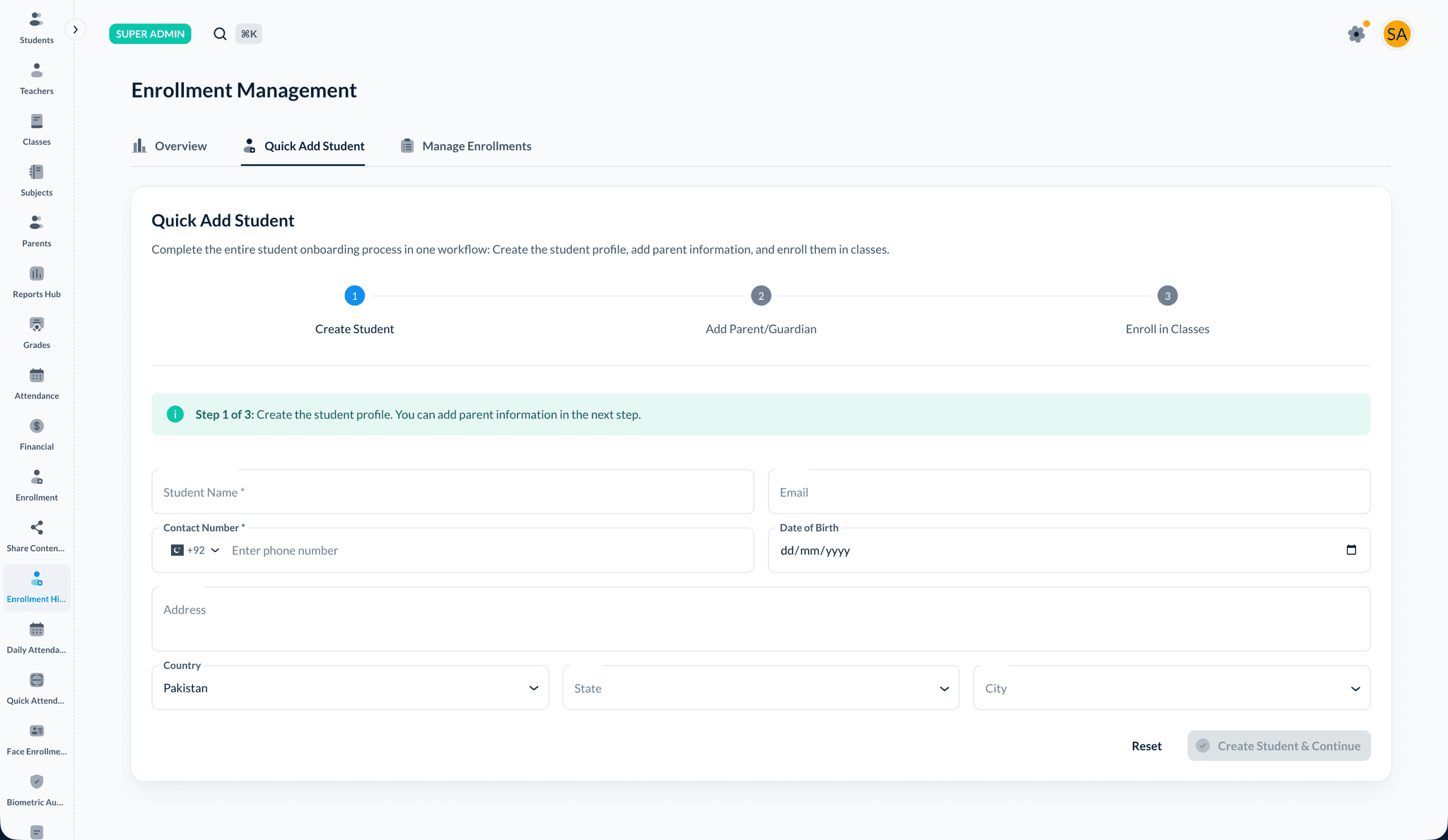
Quick Add Student walks you through a guided flow to create a student, add parents, and assign classes in one session.
Accuracy
Email and phone numbers drive messaging and login recovery. Double-check parent contact data before finishing Quick Add.
Manage Enrollments tab
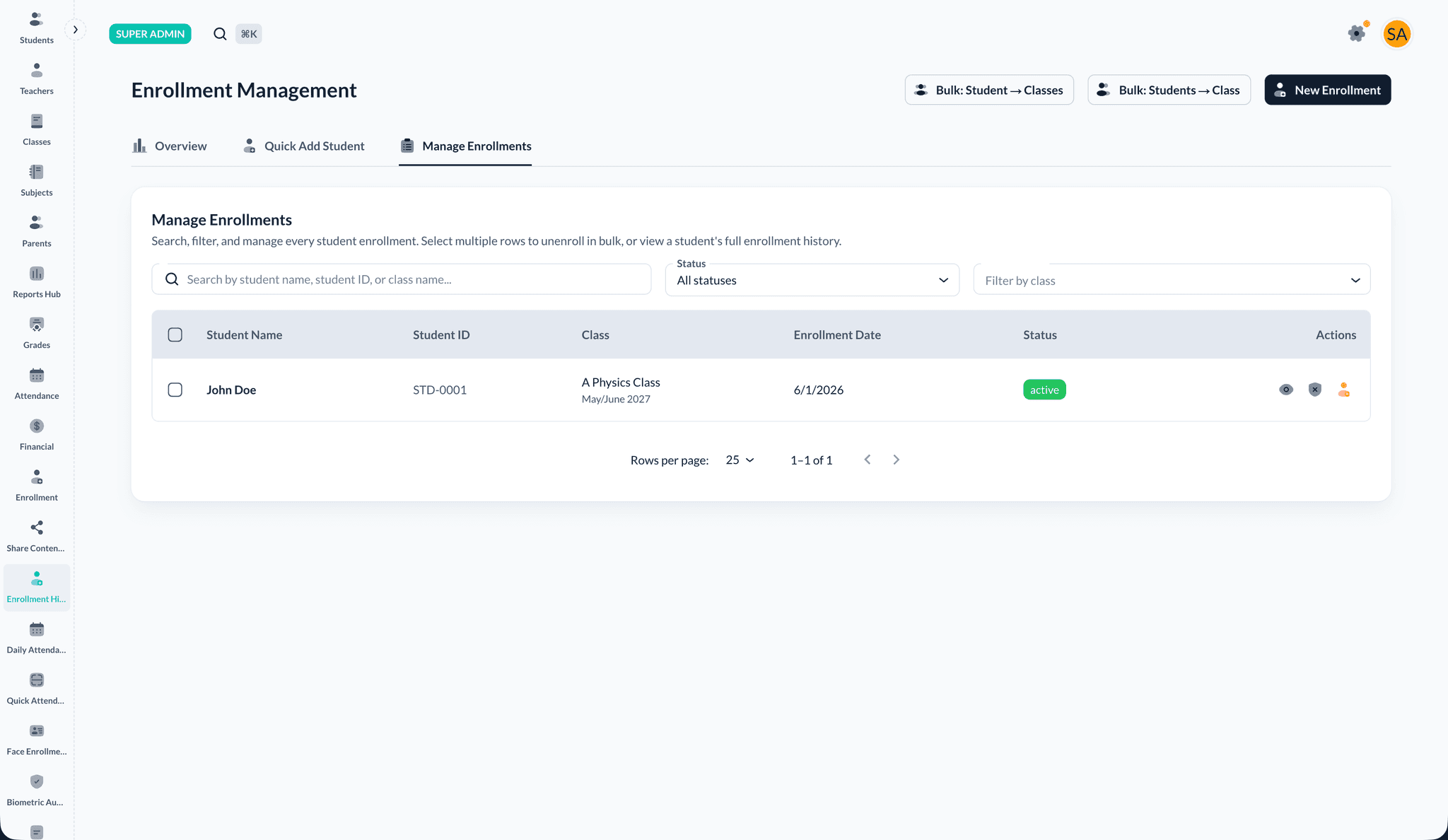
Manage Enrollments is the operational workspace for existing rows — search, filter, paginate, and run row or bulk actions.
Bulk enrollment tools
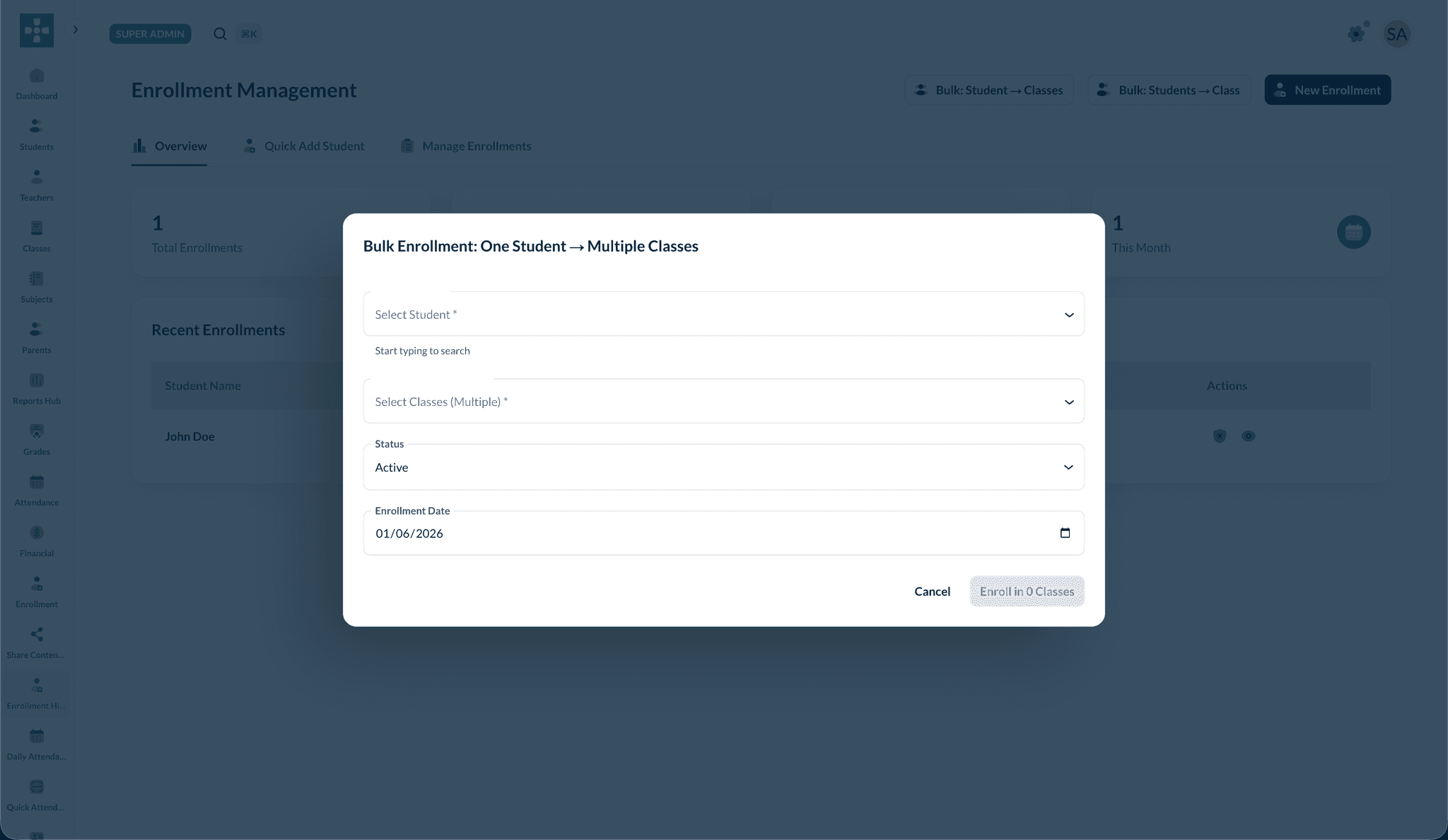
One student → multiple classes
Enroll a single student into several classes at once.
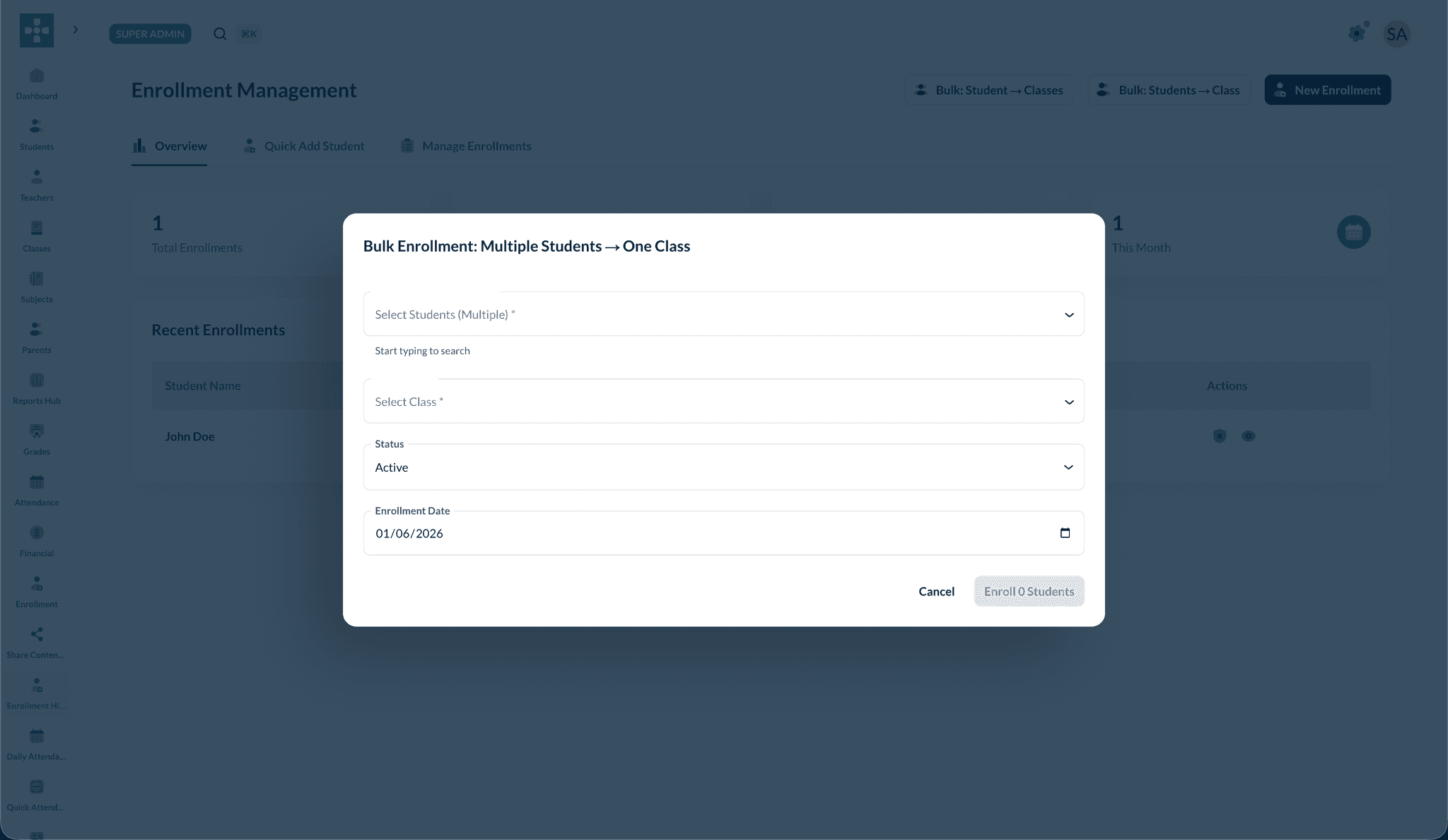
Multiple students → one class
Enroll many students into the same class from a roster-style selection.
Related topics
- Student Management — Long-term student records
- Class Management — Creating classes and rosters
- Fee Management — Billing after students are enrolled